
Set the creative source
Begin with the prompt, reference or existing idea that should anchor the direction.
Creavax product guide
Studio is for developing a creative direction over several connected versions instead of treating every generation as an isolated request.
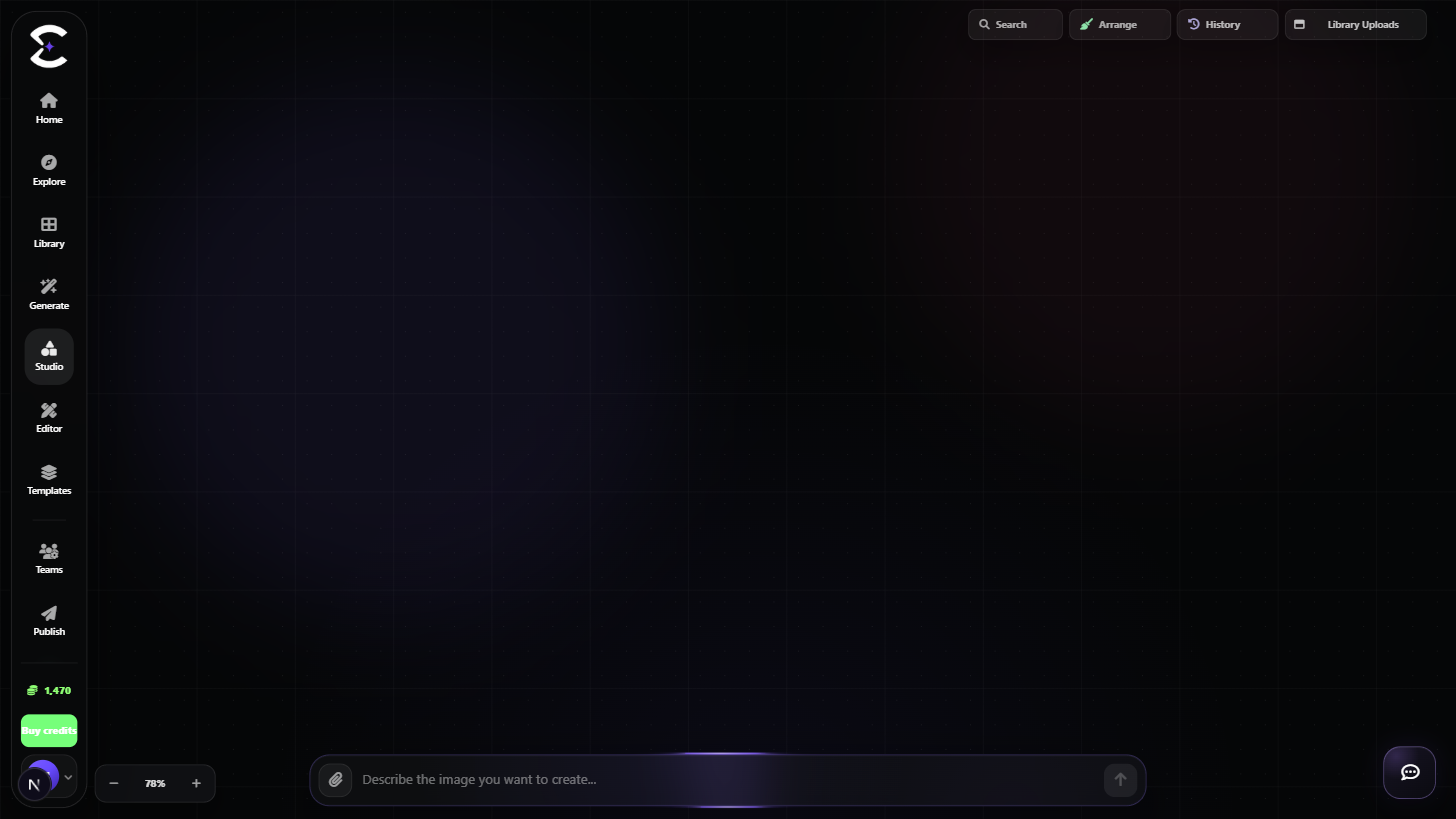
Keep the source idea visible, branch only when the direction changes and compare versions before deciding what should continue.
Quick start
Follow this order for a clean first pass. You can return to the deeper sections when a permission, billing choice or destructive action needs more context.
Begin with the prompt, reference or existing idea that should anchor the direction.
Generate a useful baseline before adding several branches. The first result gives later changes a clear point of comparison.
Create a new direction when lighting, composition, style or another major choice changes. Keep small refinements close to their source.
Review the connected versions and continue from the branch that best matches the intended result.
Core capabilities
Use these capabilities to understand what belongs here, what connects to another workspace and which actions change public, billing or account state.
Keep related attempts visually connected instead of losing their origin in a flat request history.
Use supported references to keep a visual idea anchored while exploring alternatives.
Separate major creative directions so one experiment does not replace another.
Review the prompt, source and connected result before deciding which direction should continue.
Detailed workflow
These sections explain the decisions that matter most before you organize assets, spend credits, publish content, collaborate or change account access.
A branch should mean something changed in the direction, not simply that another request was sent. This keeps the Studio readable as the project grows.
When several minor changes belong to the same direction, keep them close to the same source so comparison remains useful.
Studio is most useful when every strong result still has enough context to explain where it came from. Review connected prompts and references before continuing.
When a result becomes the preferred direction, keep it available in the normal Creavax asset workflow rather than relying on a temporary visual state.
Best practices
Frequently asked
Quick answers to the questions that most often come up before using this workspace.
Create a branch when the creative direction changes in a meaningful way, such as composition, style, lighting or another major decision.
No. Generate is request-focused, while Studio is designed to keep creative directions and connected versions visible as a developing workflow.
Continue learning
Continue with the next workspace only when it supports the same task, billing context or publishing flow.
Ready to use the real workspace?
Open Studio, complete one small real task and return to this page when you need the detailed workflow.