
Choose with confidence
Search models by provider, compare supported controls and see exact or estimated credit cost before creating.
Create, refine and scale visual ideas with leading AI models, clear credit estimates, reference-aware controls and a workflow that stays connected from prompt to final asset.
Most tools end at a single output. Creavax keeps model choice, generation, editing, upscale, templates and asset management in one connected visual workspace.
Search models by provider, compare supported controls and see exact or estimated credit cost before creating.
Results stay attached to their prompt and can continue into Studio branches without overwriting the original.
Turn repeatable image workflows into private or public templates with clear inputs and outputs.
Move from idea to finished asset through four visible steps instead of rebuilding the workflow across disconnected tools.
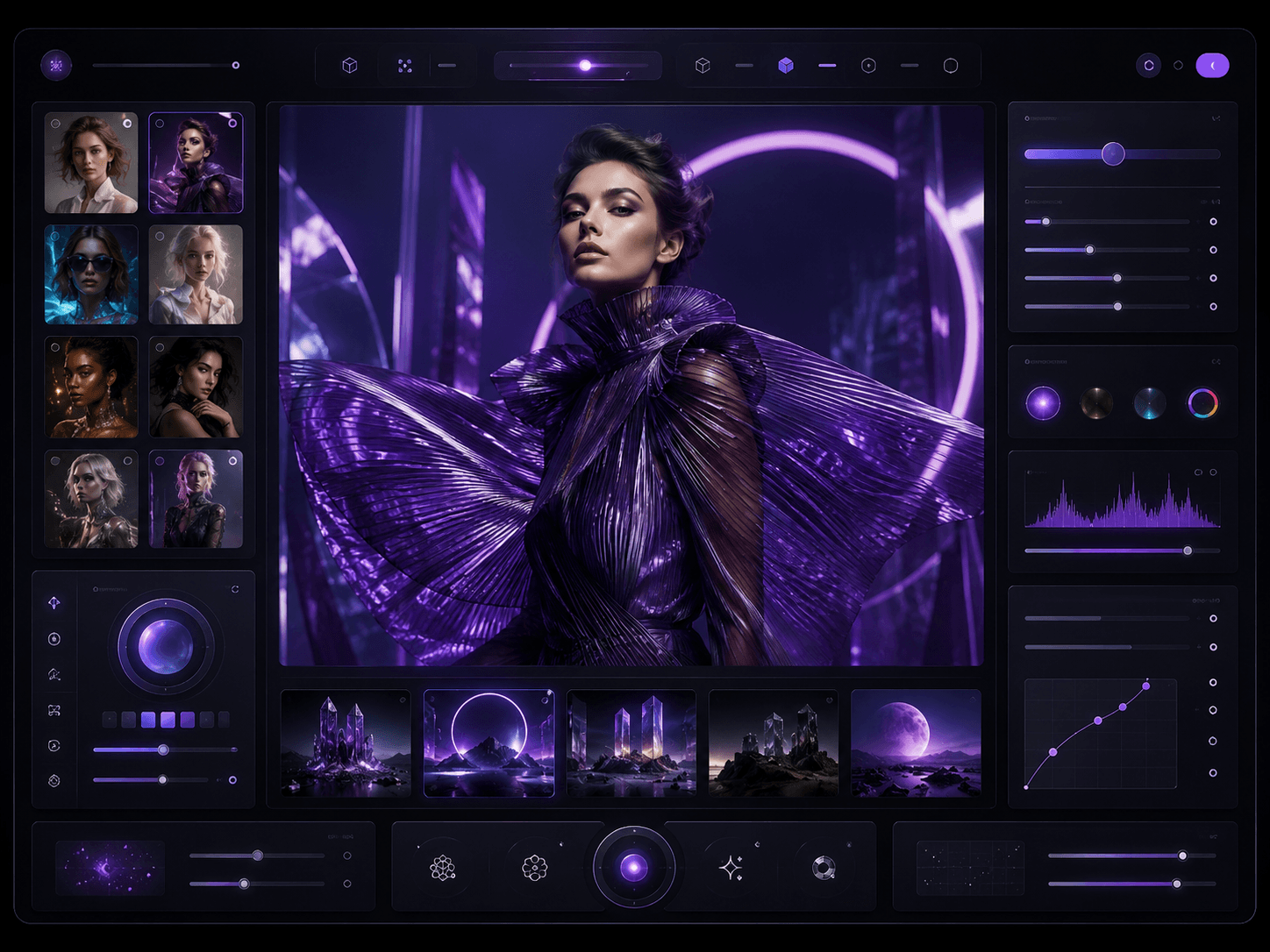
Write the scene you want or begin with an image from your device or Creavax Library.
Compare popular image models, capabilities and estimated credit cost before you create.
Set the frame, references, style, output count and only the controls supported by that model.
Download the result, send it to Studio, upscale it or turn the workflow into a reusable template.
 Create from words
Turn a clear prompt into campaign imagery, concept art, product scenes and visual stories.
 Guide with a reference
Keep the visual direction of a source while changing material, lighting, environment or style.
 Edit with intent
Refine a selected direction, remove distractions and build new versions without losing the original.
Creavax adapts the model picker and Controls panel to the active image model, so references, output settings, reasoning options and advanced parameters stay organized.
Search leading providers and choose the right model for quality, speed, control and budget.
Use product, character, style and composition references only when the selected model supports them.
Continue from a generated image with targeted edits, variations and connected Studio branches.
Remove, replace or rebuild backgrounds while preserving the subject and final composition.
Plan portrait, square, landscape and campaign-ready layouts before the first generation.
Send the strongest result to the Creavax Upscaler after the concept and composition are approved.
Start from a proven image workflow instead of rebuilding the same setup for every campaign.
Keep model choices, references and output structure aligned across a team or recurring project.
Connect generation, editing, upscale and delivery steps into a reusable creative system.
Use generation to discover the strongest concept, then continue only the directions worth refining.





Creavax can expose free or local test models when available. Paid providers use Creavax Credits, and the model picker shows a fixed or estimated cost before generation whenever pricing data is available.
Choose based on the result you need. Some models are stronger for speed, others for typography, realism, editing, references or detailed control. Creavax groups compatible controls and shows popular models first.
Yes. When the selected model supports image guidance, you can upload a local file or choose an existing asset from your private Library without creating an unnecessary duplicate upload.
Fixed-price models show an exact amount. Usage-based models show an estimate, reserve a temporary authorization and settle the final credit amount after the provider reports actual usage.
Completed outputs remain connected to the original request and appear in your private Creavax Library, where you can download, reuse, edit, upscale or continue in Studio.
Move from a prompt to a reusable visual production system without losing the original direction.