
Find the right workflow
Choose a Template based on the task and expected output instead of starting a new project for every repeated process.
Creavax product guide
Templates turn repeatable creative logic into a reusable workflow so the same process can be run again without rebuilding every step from the beginning.
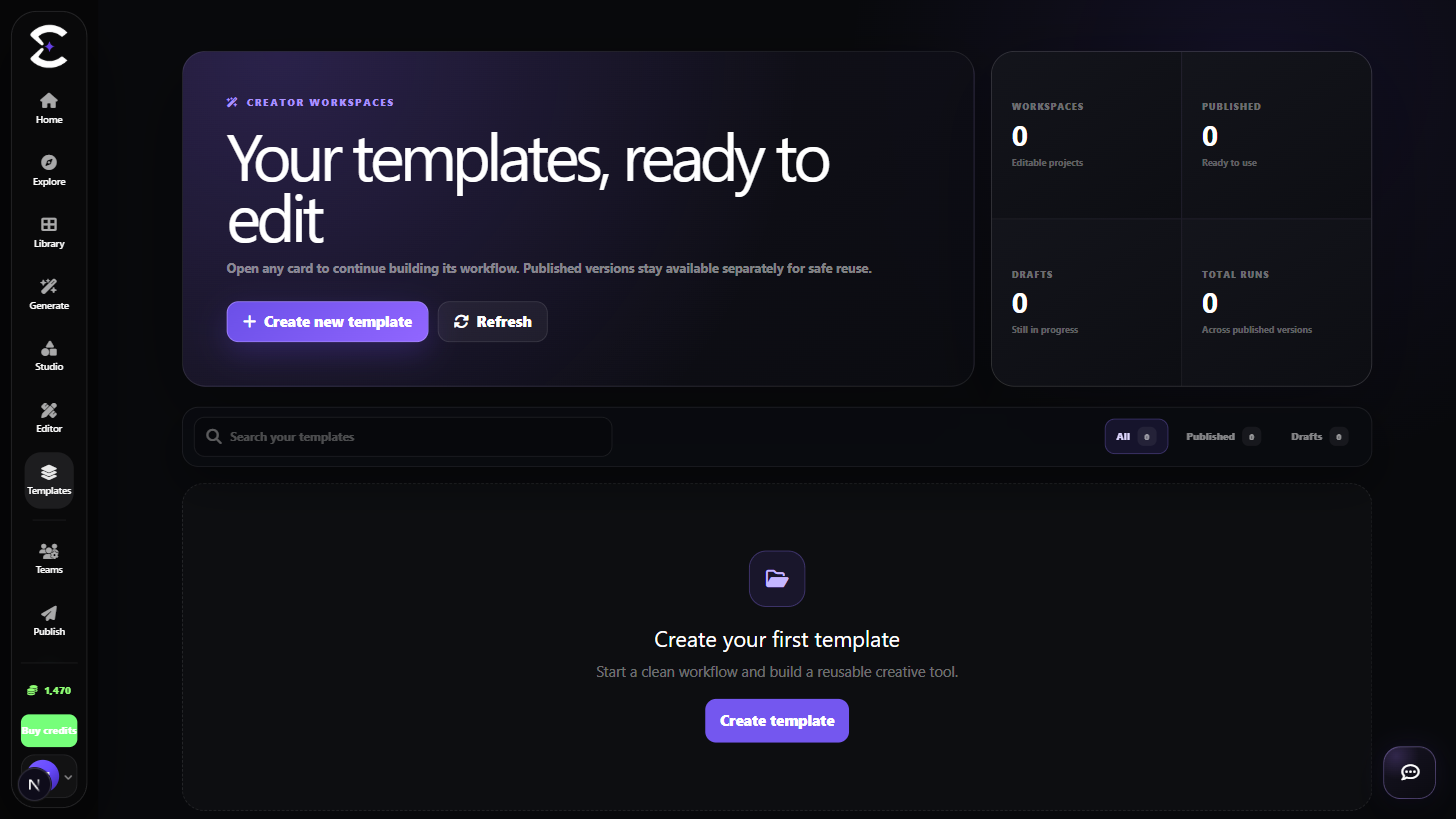
Start from an existing Template when it already solves the task, or build a reusable project when the same workflow will be repeated.
Quick start
Follow this order for a clean first pass. You can return to the deeper sections when a permission, billing choice or destructive action needs more context.
Choose a Template based on the task and expected output instead of starting a new project for every repeated process.
Read what the Template asks for before running it. The published interface should hide unnecessary implementation detail.
Use the Template when it already fits the task, or open an owned project when the underlying workflow needs to change.
Check required inputs, outputs and visibility before treating a Template as a reusable public or private workflow.
Core capabilities
Use these capabilities to understand what belongs here, what connects to another workspace and which actions change public, billing or account state.
Browse reusable workflows designed around a specific creative task or output.
Use the inputs exposed by the Template without needing to understand every internal workflow step.
Return to owned Template projects when the workflow logic or interface needs another revision.
Keep the intended audience clear when managing private work and workflows prepared for public use.
Detailed workflow
These sections explain the decisions that matter most before you organize assets, spend credits, publish content, collaborate or change account access.
A Template is most valuable when the same creative logic will be used more than once. It separates reusable workflow design from the simple inputs needed for each run.
Before creating another Template, check whether an existing workflow already solves the same task.
The builder can contain more complexity than the final run interface. A good Template lets the creator manage the workflow while the runner sees a focused set of inputs and outputs.
Before publishing or sharing, validate the saved project and confirm the intended visibility.
Best practices
Frequently asked
Quick answers to the questions that most often come up before using this workspace.
Create a Template when the same multi-step logic or input structure will be used repeatedly. Use Generate for flexible one-off creation.
No. Keep workflows private when they are personal, experimental or contain client-specific logic that should not be exposed.
Continue learning
Continue with the next workspace only when it supports the same task, billing context or publishing flow.
Ready to use the real workspace?
Open Templates, complete one small real task and return to this page when you need the detailed workflow.