Review account identity
Keep the profile recognizable and make sure the account email and username match the identity you expect to use.
Creavax product guide
Account security is mostly about controlling credentials and irreversible actions: keep passwords and tokens private, verify team leadership before deleting access and read destructive confirmations before proceeding.
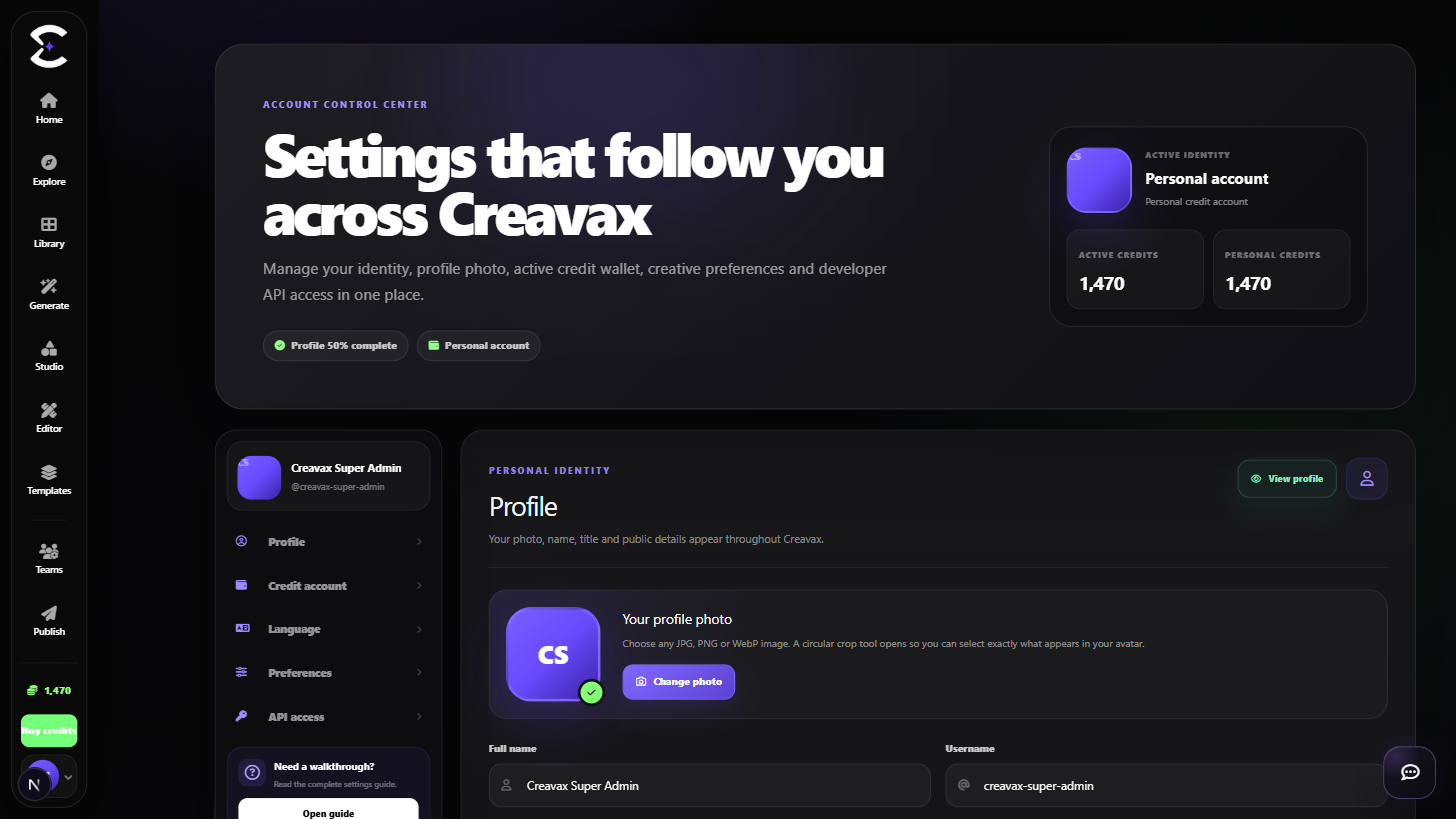
Keep API tokens private, maintain a recognizable account, understand team leadership responsibilities and treat permanent account deletion as a final operation.
Quick start
Follow this order for a clean first pass. You can return to the deeper sections when a permission, billing choice or destructive action needs more context.
Keep the profile recognizable and make sure the account email and username match the identity you expect to use.
Create a personal API token only when an integration needs one and rotate it when exposure is suspected.
Before deleting or abandoning an account, check whether you lead teams that require ownership transfer or deletion.
Treat account deletion and other irreversible actions as final and verify the consequences before entering the password confirmation.
Core capabilities
Use these capabilities to understand what belongs here, what connects to another workspace and which actions change public, billing or account state.
Keep name, username, avatar and profile information current so collaborators can recognize the account.
Create or rotate a personal Developer API token without exposing it in frontend applications or public text.
Resolve leadership responsibilities before removing access to a team-controlled workspace.
Use a password-confirmed destructive flow that warns about credits, public content, API access and team leadership.
Detailed workflow
These sections explain the decisions that matter most before you organize assets, spend credits, publish content, collaborate or change account access.
A Developer API token can authorize server-side activity and should never be pasted into a prompt, support request, screenshot, public repository or frontend bundle. Store it in a protected server environment variable or secret manager.
If a token may have been exposed, rotate it instead of waiting to see whether it is abused. Update the integration with the replacement secret and remove the old value from logs or configuration where possible.
Permanent deletion affects more than the visible profile. Review remaining credits, public content, API access and team leadership before confirming the action.
If the account leads a team, transfer ownership or resolve that workspace first. Do not use deletion as a substitute for signing out or temporarily stopping work.
Best practices
Frequently asked
Quick answers to the questions that most often come up before using this workspace.
No. Do not send secrets through Contact, prompts or screenshots. Describe the issue without sharing the token value.
Rotate the token, replace it in the trusted server integration and remove the exposed value from public code, logs or screenshots where possible.
No. Sign-out ends the current session. Account deletion is presented as permanent and requires password confirmation after showing its consequences.
Continue learning
Continue with the next workspace only when it supports the same task, billing context or publishing flow.
Ready to use the real workspace?
Open Account & Security, complete one small real task and return to this page when you need the detailed workflow.