
Create API access
Open the API workspace or Settings and create a token only for the integration that needs it.
Creavax product guide
The Developer API is for server-side integrations that need controlled access to Creavax generation, job status and webhook delivery without exposing account credentials in client code.
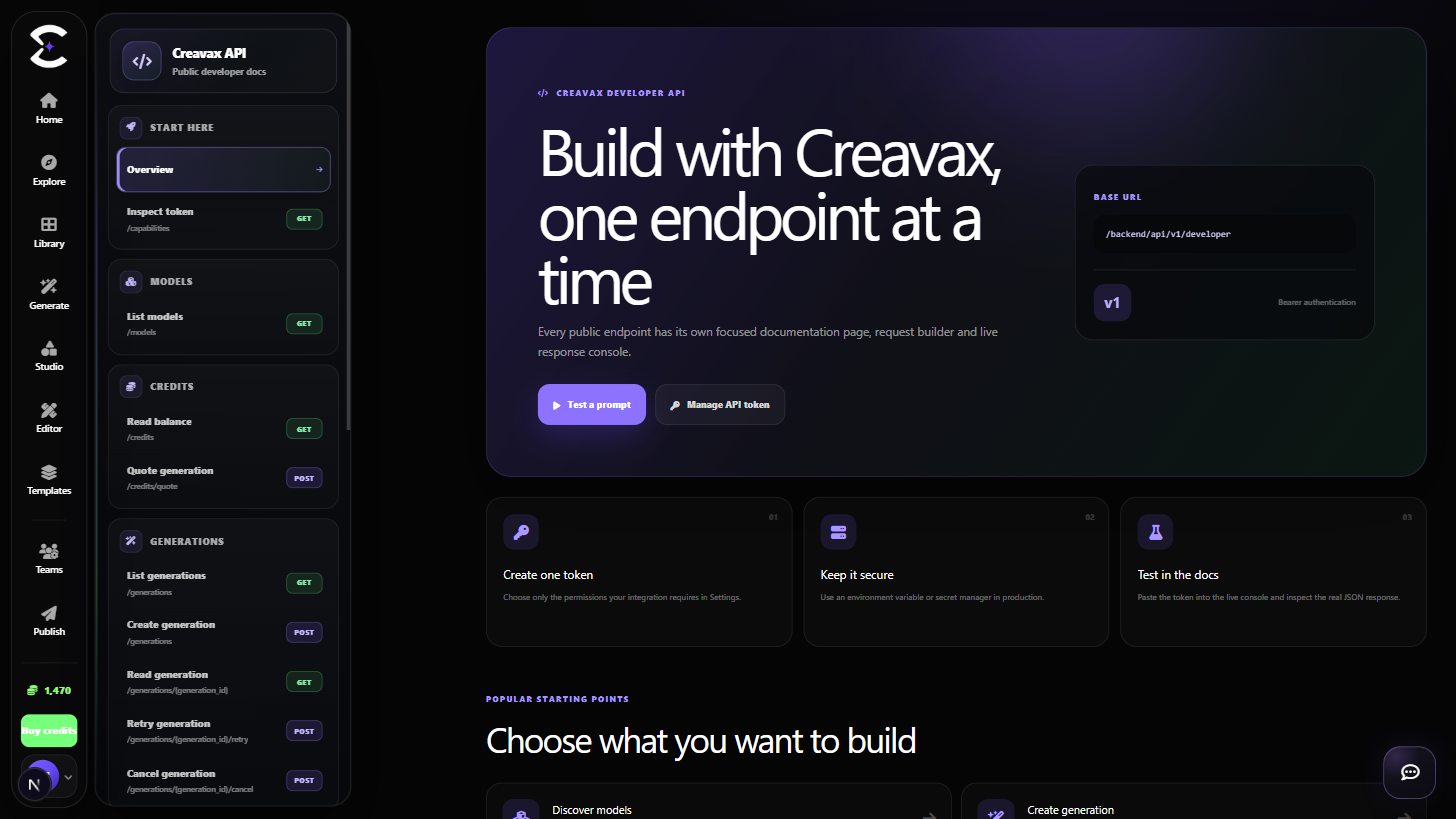
Create or rotate a token, send a valid generation request from your server, track the returned job and verify signed webhook events before trusting them.
Quick start
Follow this order for a clean first pass. You can return to the deeper sections when a permission, billing choice or destructive action needs more context.
Open the API workspace or Settings and create a token only for the integration that needs it.
Place the token in a protected server environment variable or secret manager, never in browser JavaScript or public source.
Start with a supported generation_type, model and prompt before adding optional model-specific controls.
Track the job status and use verified webhook deliveries when your integration needs event-driven completion.
Core capabilities
Use these capabilities to understand what belongs here, what connects to another workspace and which actions change public, billing or account state.
Use a personal API token instead of sharing account passwords with an integration.
Submit supported generation jobs with explicit output intent, model selection and request data.
Treat queued and processing states as normal parts of provider-backed generation.
Use signed delivery events for server-to-server completion workflows and verify them before processing.
Detailed workflow
These sections explain the decisions that matter most before you organize assets, spend credits, publish content, collaborate or change account access.
A Developer API token should be treated like a password. Keep it on the server, restrict who can read the deployment secret and rotate it if it appears in a screenshot, log, browser bundle or public repository.
Do not send API tokens through Contact, prompts or client-visible analytics. A frontend application should call your own backend, and your backend should call Creavax.
AI generation is asynchronous. A successful request can return before the final media exists, so integrations should store the job identifier and update their own state as Creavax reports progress or completion.
Webhook consumers should verify signatures, respond quickly and make event handling idempotent so a repeated delivery does not create duplicate records or actions.
Best practices
Frequently asked
Quick answers to the questions that most often come up before using this workspace.
Do not expose a personal API token in browser code. Send requests through a backend you control so the credential remains private.
The API can accept a generation before the provider finishes it. Track the returned job state or verified webhook completion instead of assuming synchronous output.
No. Verify the Creavax signature and validate the event before changing application state.
Continue learning
Continue with the next workspace only when it supports the same task, billing context or publishing flow.
Ready to use the real workspace?
Open Developer API, complete one small real task and return to this page when you need the detailed workflow.